How to use the Show notes page in the workspace
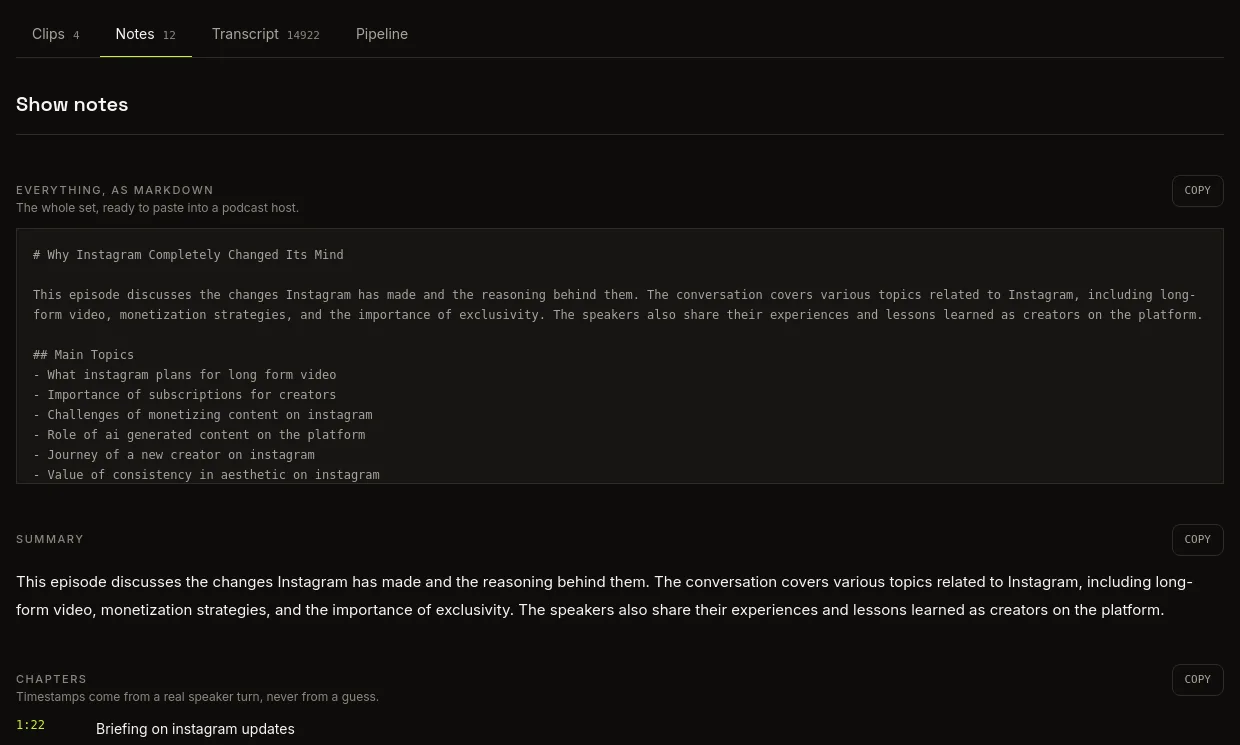
The Show notes page lists episodes run for their notes: summary, chapters, quotes, titles and posts.
How CastKit does it
Open Show notes
Bring in an episode
Open the notes
Copy what you need
What this will not do
Notes are drafts from the transcript; read them before you publish.
Questions
- Clips too?
- Audio only?
- Languages?
Try it on your own episode
Paste a link. The first episode runs the whole pipeline for nothing, needs no card, and exports every clip in 1080p with a small CastKit mark.