Skip to content

Everything one episode gives you.

CastKit makes one pass over a recording and hands back the clips, the words and the posts. This page is every part of that, each with a picture of it running on a real episode. Paste a link and the first one is free.

Audio episodes usually finish in a few minutes. Or try it without an account

What one pass produces

You paste a link or upload a file. Nothing below needs a setting changed or a button pressed. It is what comes back.
Clip generation

We read the whole transcript, score every candidate moment on how it opens, how it holds and whether it finishes a thought, and hand you the strongest ones as clips with their scores shown.

Learn more Podcast clip maker
The CastKit workspace showing generated clips from an episode, each with its score.

Chapters and show notes

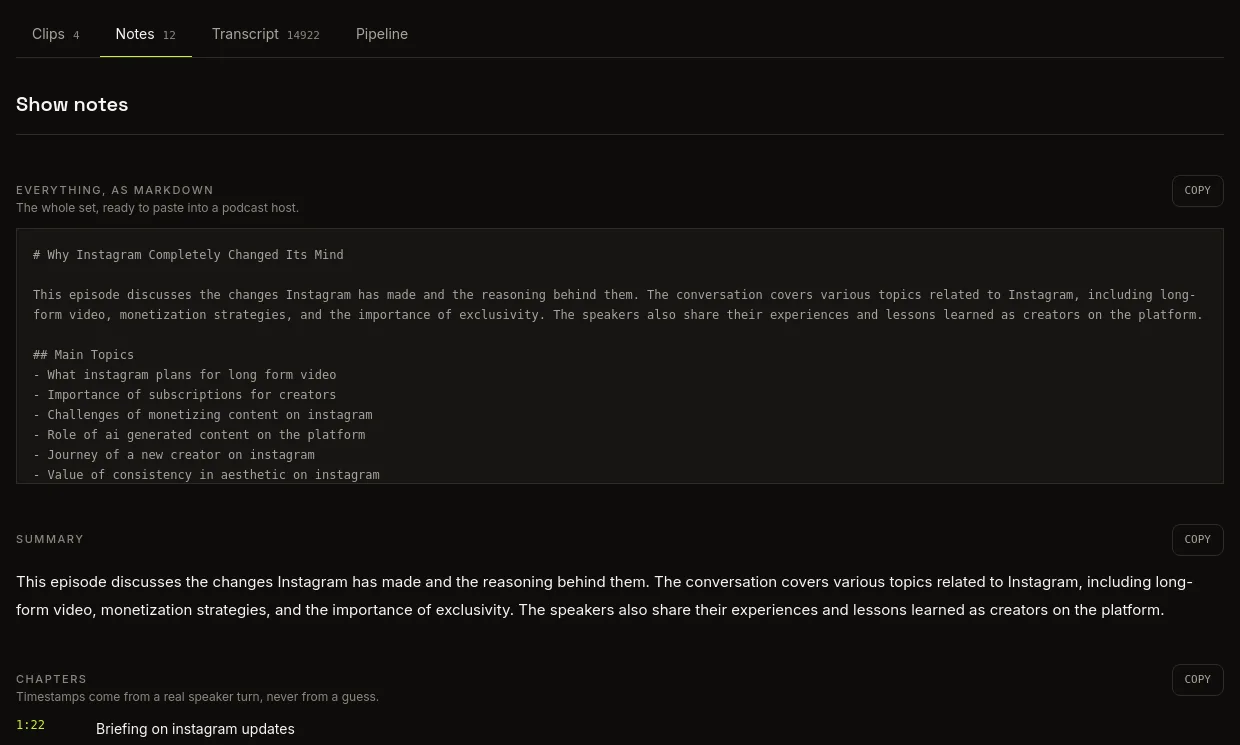
Chapters with timestamps, a summary, notable quotes and title ideas, written from the same transcript the clips came from. The whole set copies out as markdown, ready to paste into a podcast host.

Learn more Show notes generator
The notes tab in CastKit, showing the full show notes set as markdown.

Social post drafts

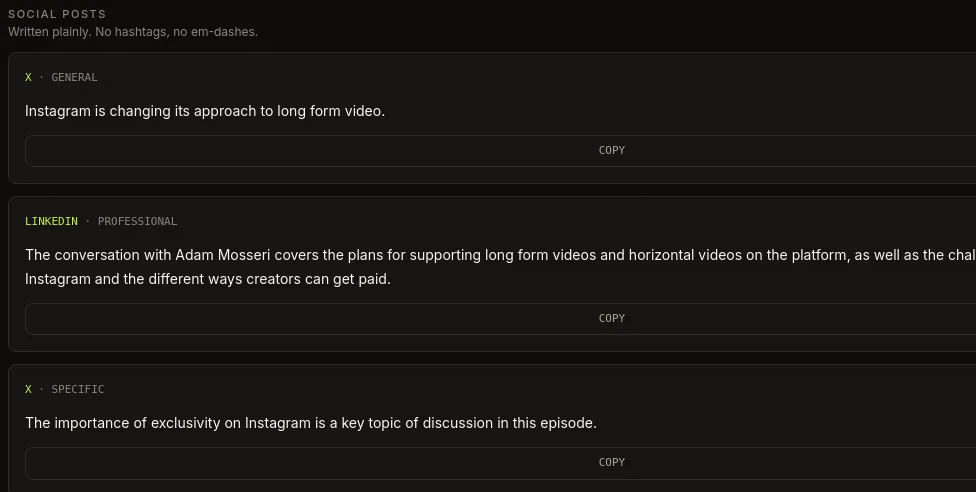
Drafts for X and LinkedIn, sized for each one and written plainly. No hashtag walls and no em dashes, because a post that reads like a machine wrote it is a post nobody shares.

Learn more Social post drafts
Social post drafts in CastKit for X and LinkedIn, each with a character count and a copy button.

Transcript in 99 plus languages

Word level timings on every word, speaker labels on every line, and 99 plus languages including the ones most tools stop short of. The transcript is the thing everything else is built out of, so it is the part we spend the most on.

Learn more Transcript generator
The transcript tab in CastKit with speaker labels down the left.

What you change before it exports

The clips arrive as a starting point, not a verdict. Everything here is a control in the editor, and the export burns exactly what you see.

Transcript editing

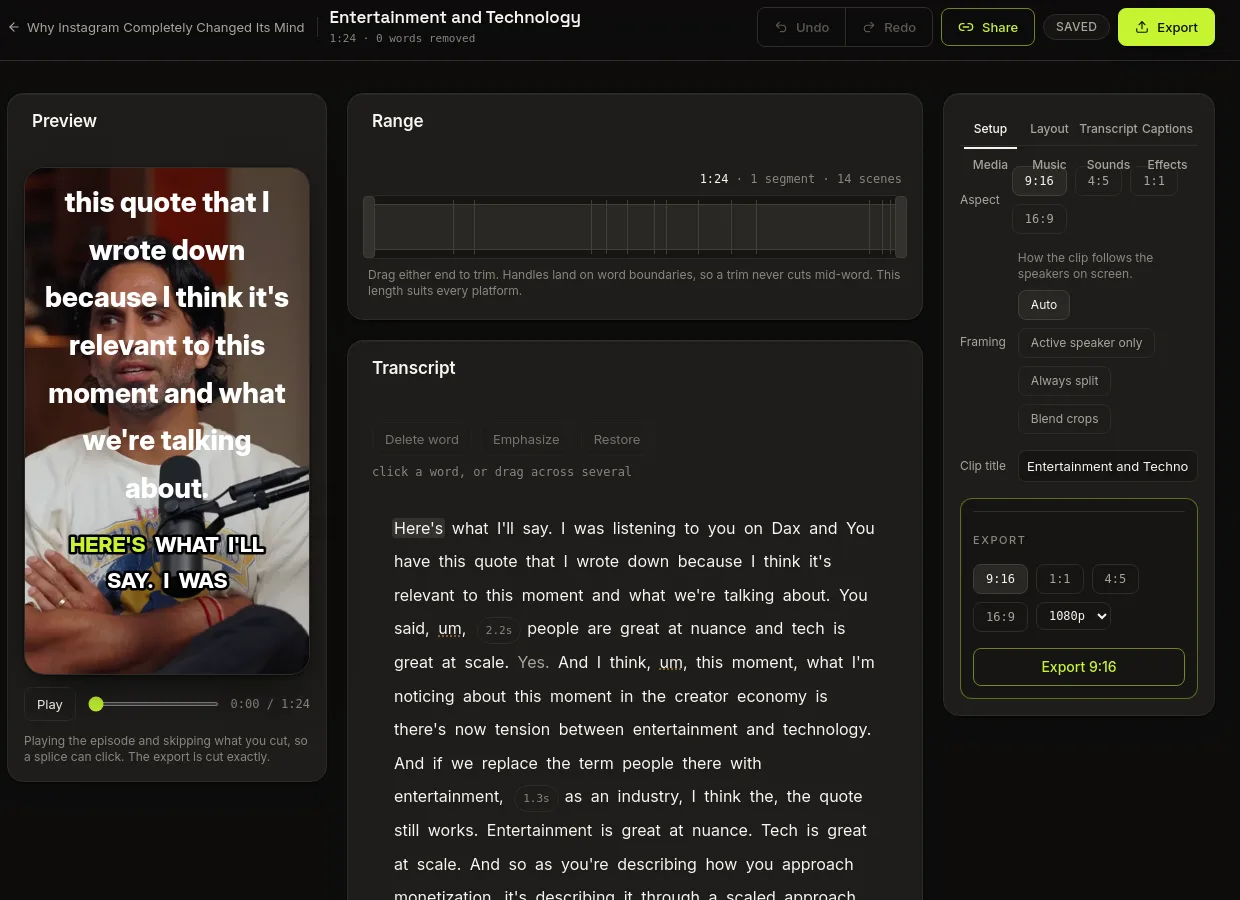
Click a word and delete it, or drag across several, and the video cuts. Filler words are found for you and removed in one press. Trim handles land on word boundaries, so a cut never lands mid syllable.

Learn more Transcript to clips
The CastKit clip editor: a vertical preview, trim range, filler word control and the transcript with a delete word button.

Karaoke captions

Every word carries its own timestamp, so the caption lights the word being said. Twenty five presets across six faces, and you can set the face, the fill, the outline and the highlight yourself. The preview and the export read the same file.

Learn more Karaoke caption generator
A vertical clip with a CastKit karaoke caption, the spoken word highlighted.

Auto reframe to vertical

A clip is cut into scenes and each scene gets its own crop, tracked to whoever is speaking. The frame moves at the cut rather than drifting across the shot, which is what keeps a vertical clip still between cuts.

Learn more Auto reframe to 9:16
The 16:9 source frame of an interview in the CastKit workspace.
The 9:16 clip cut out of that frame, the speaker centred.

Exports

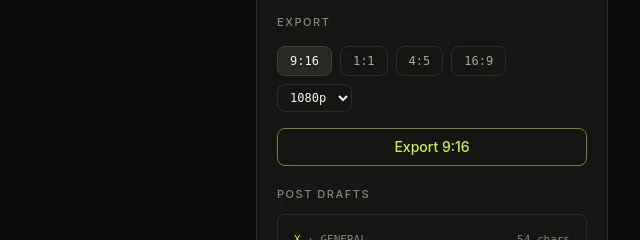
1080p, in 9:16, 1:1 or 16:9 from the same edit, with the captions burned in. Your clips do not expire, and paid exports carry no watermark. Free episodes export every clip in 1080p with a small CastKit mark.

The export controls in CastKit: 9:16, 1:1 and 16:9 from the same edit.

Run your own episode through it.

Your first episode is free, it runs the whole pipeline, and the clips never expire.

Audio episodes usually finish in a few minutes. Or try it without an account