How to get chapters and timestamps for an episode
Chapters come with every episode. Each timestamp comes from a real speaker turn, never a guess.
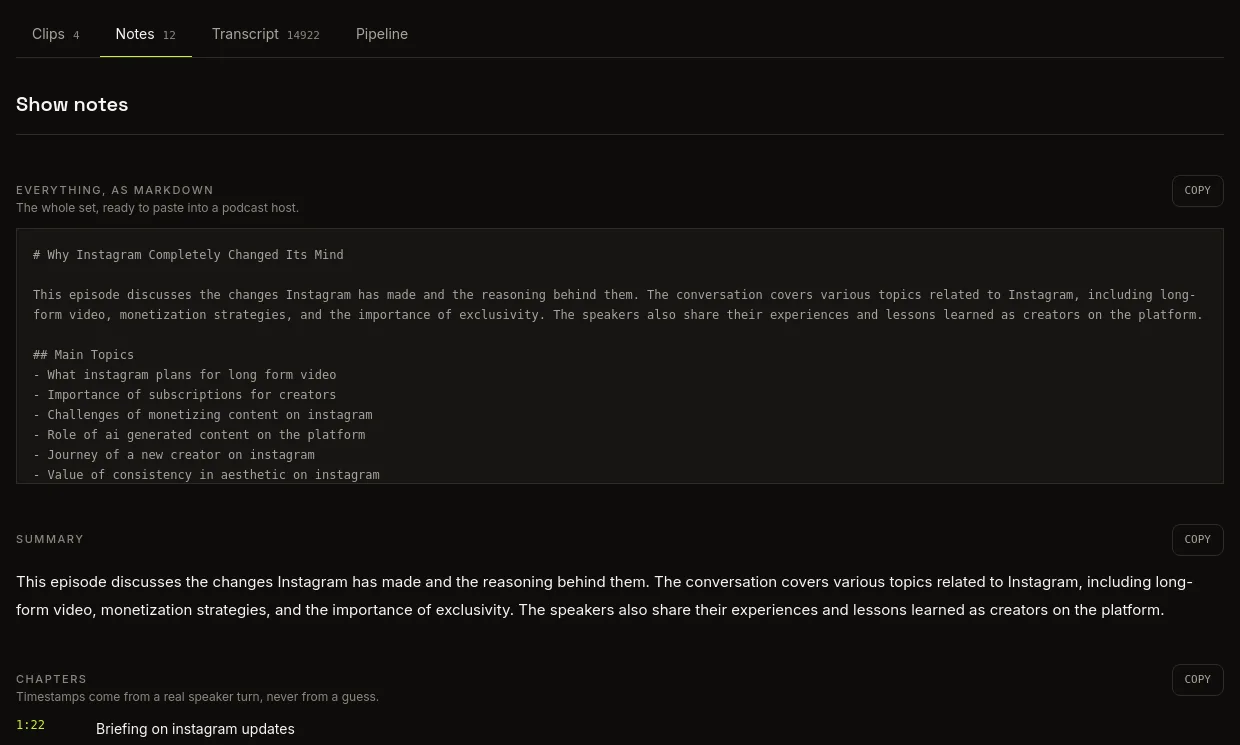
How CastKit does it
Open the Notes tab
Find Chapters
Copy them
Paste them
What this will not do
Chapter counts follow the content: a short episode with three topics gets three. YouTube has its own rules for showing chapters, such as the first starting at 0:00; check them there.
Questions
- Are timestamps exact?
- Can I edit them?
- Do I need video?
Try it on your own episode
Paste a link. The first episode runs the whole pipeline for nothing, needs no card, and exports every clip in 1080p with a small CastKit mark.