Skip to content

How to import an episode from your podcast feed

Audio episodes usually finish in a few minutes. Or try it without an account

If your show has an RSS feed, you do not need to find each episode's file. Paste the feed once and pick episodes from the list. The artwork, show name and hosts come along for audio clips.
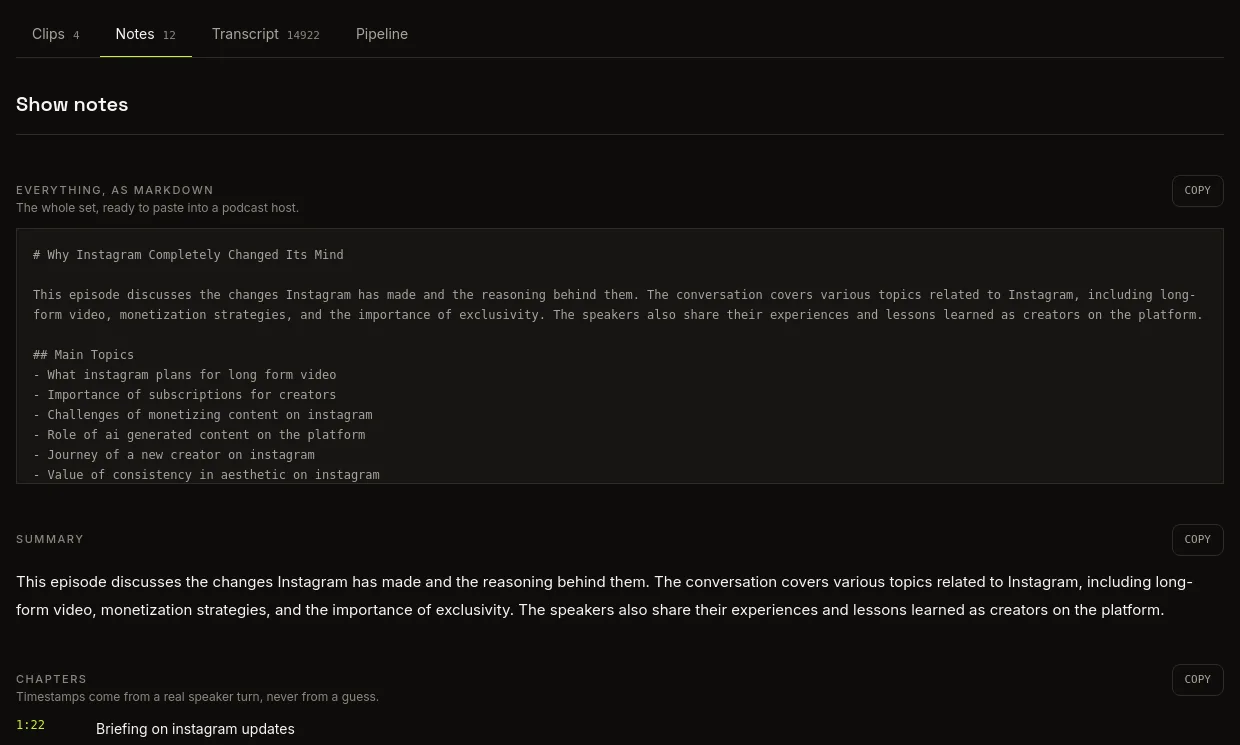
The CastKit show notes tab: the whole set as markdown, a summary and timestamped chapters, each with a copy button.

How CastKit does it

  1. Paste the feed

    On Home, paste your RSS feed address into From a podcast feed.

  2. Browse episodes

    Press Browse episodes to list the latest episodes with their titles and dates.

  3. Pick and start

    Choose the episode you want and start it. It runs like any other link.

  4. Watch the feed

    On a paid plan, CastKit can watch the feed and clip each new episode when it is published, with the top three clips as drafts on your calendar.

What this will not do

Spotify and Apple Podcasts show pages are not feeds and cannot be read; paste the RSS feed address your host gives you. Private feeds that need a login cannot be fetched. Watching a feed needs a paid plan.

Questions

Where do I find my RSS feed?
In your podcast host's dashboard, usually under distribution or settings. It is the address you gave to the podcast apps.
Why does my audio clip show the wrong host name?
The names come from the feed. You can edit the show name and hosts on the clip.
Does it work for video podcasts?
If the feed carries video files, yes. Otherwise paste the episode's video link or upload it.

Try it on your own episode

Paste a link. The first episode runs the whole pipeline for nothing, needs no card, and exports every clip in 1080p with a small CastKit mark.

Audio episodes usually finish in a few minutes. Or try it without an account