How to clip new podcast episodes automatically
Watch your RSS feed and each new episode is imported, transcribed and clipped, with show notes ready.
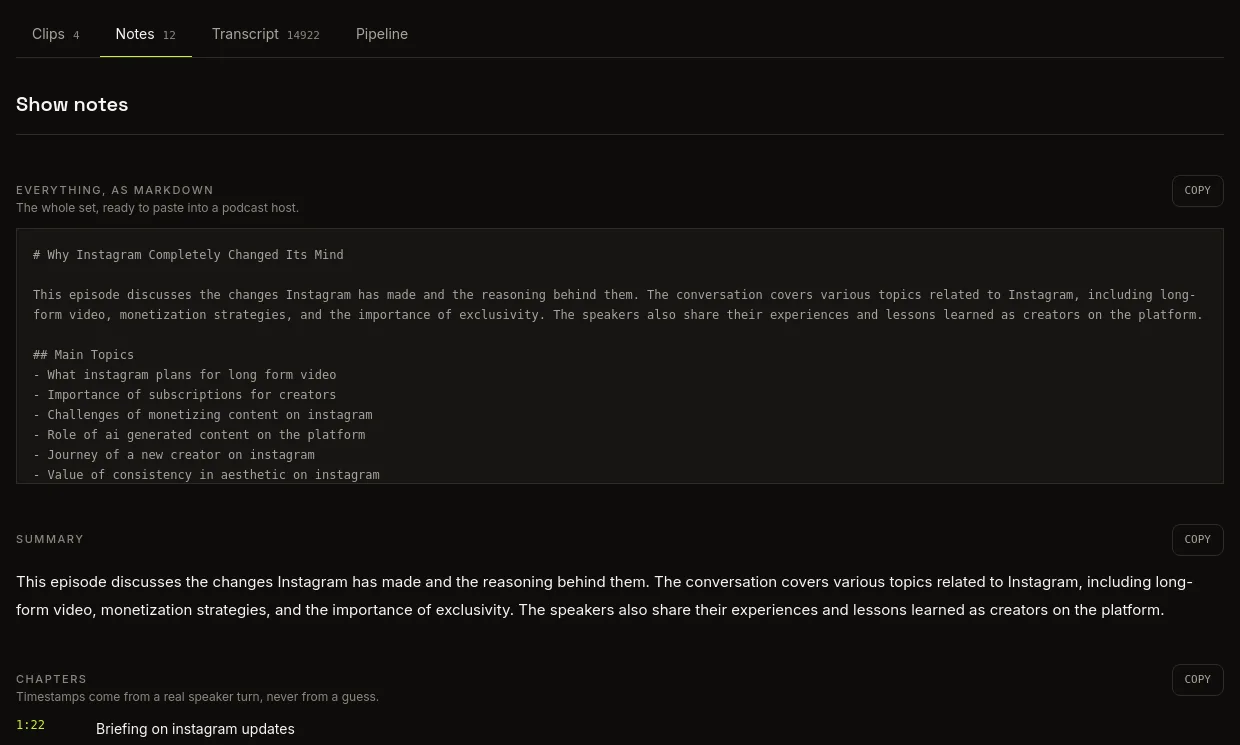
How CastKit does it
Open Auto-import
Add the feed
Publish as usual
Review
What this will not do
Auto-import needs an active paid plan, and every imported episode counts against its monthly hours. A feed that cannot be read is retried and you are told.
Questions
- Where is my feed link?
- How do I stop?
- How many feeds?
Try it on your own episode
Paste a link. The first episode runs the whole pipeline for nothing, needs no card, and exports every clip in 1080p with a small CastKit mark.