YouTube title ideas from what the video actually says
A title written without watching the video can only be generic. CastKit reads the full transcript and writes title options that each name something specific from it, alongside the summary and chapters, so the title, the description and the timestamps all agree.
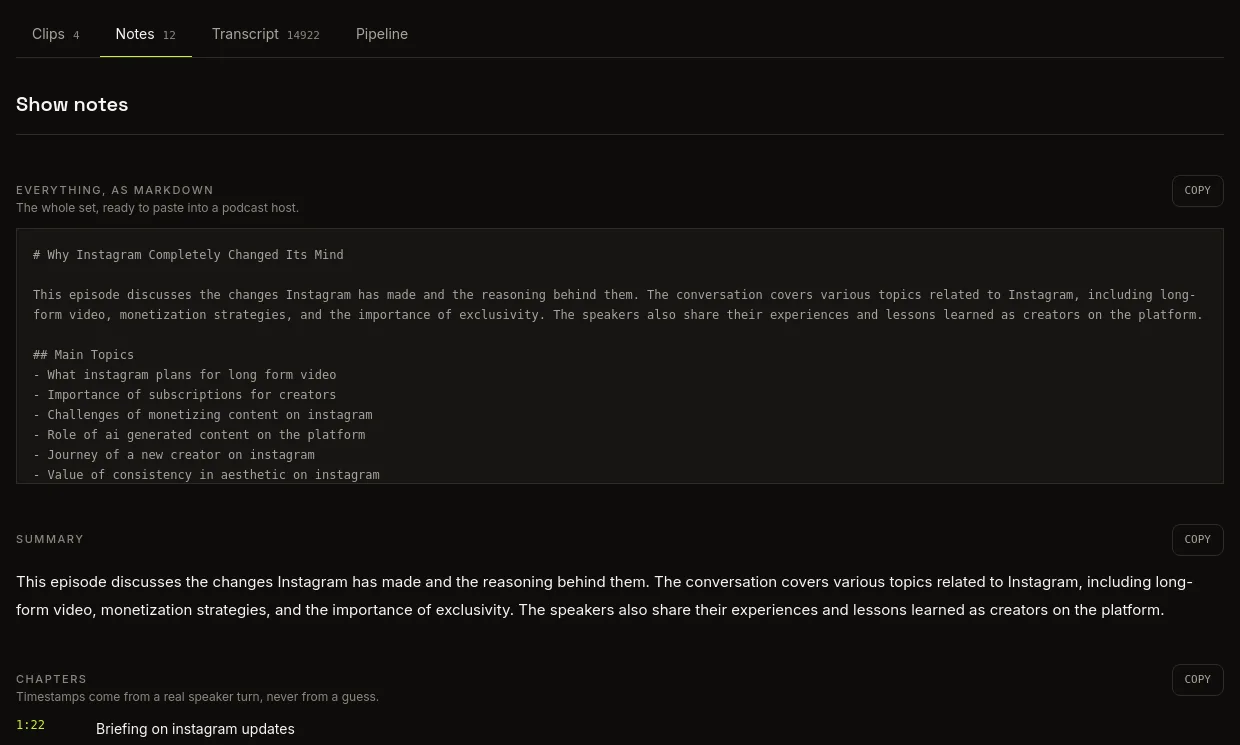
How CastKit does it
Paste the YouTube link
Transcribed
Read the options
Pick and edit
What this will not do
The titles are suggestions: CastKit does not check search volume or test which title gets more clicks. A misheard name in the audio can end up in a title, so read them before you publish.
Questions
- How many options?
- Are they clickbait?
- Does it make a thumbnail too?
Try it on your own episode
Paste a link. The first episode runs the whole pipeline for nothing, needs no card, and exports every clip in 1080p with a small CastKit mark.