Generate YouTube timestamps and chapters from the video
Timestamps in a YouTube description turn a long video into chapters viewers can jump between. CastKit writes them from the transcript and takes each time from the speaker turn the chapter starts on, so the times point at something that is really there. Copy them into your description.
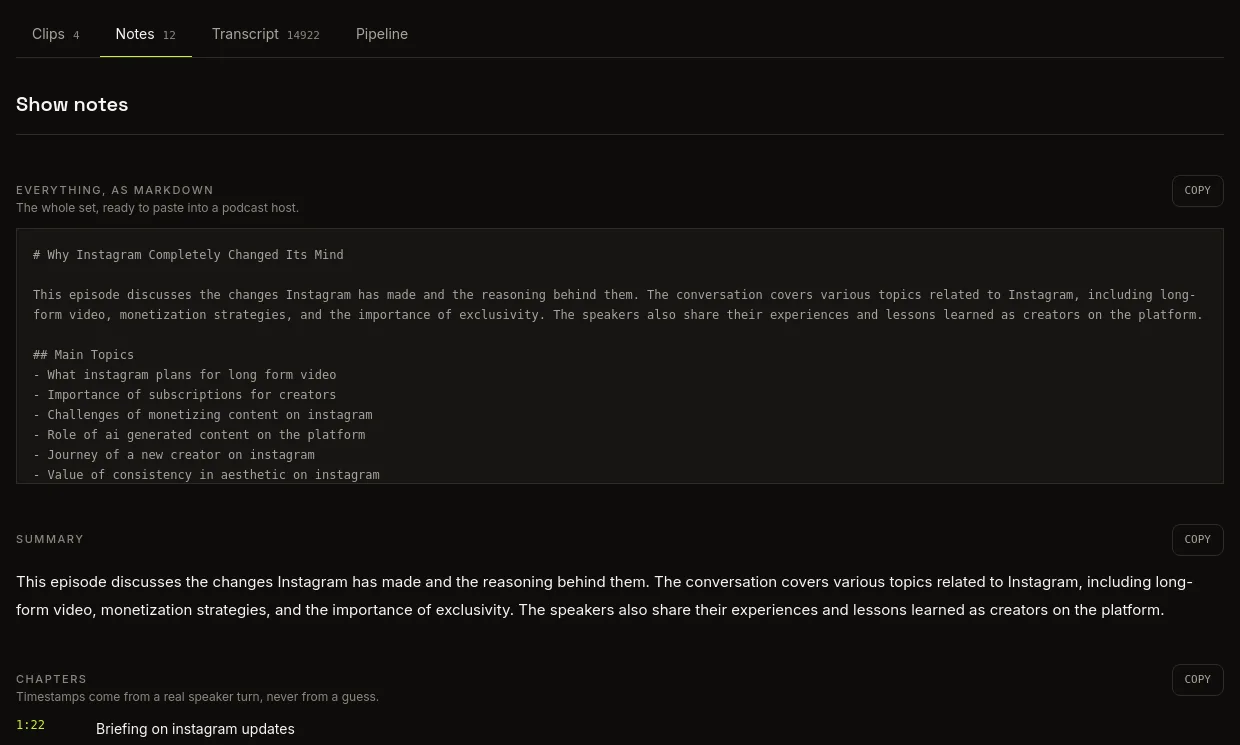
How CastKit does it
Paste the YouTube link
Transcribed
Get the chapters
Paste into YouTube
What this will not do
Chapter counts follow the content: a short video with three topics gets three chapters, not a quota. YouTube has its own rules for when it shows chapters, such as the first one starting at 0:00, so check them in YouTube after you paste.
Questions
- Are the times accurate?
- How many chapters?
- Does it write the chapter names?
Try it on your own episode
Paste a link. The first episode runs the whole pipeline for nothing, needs no card, and exports every clip in 1080p with a small CastKit mark.