Summarise a podcast episode from its full transcript
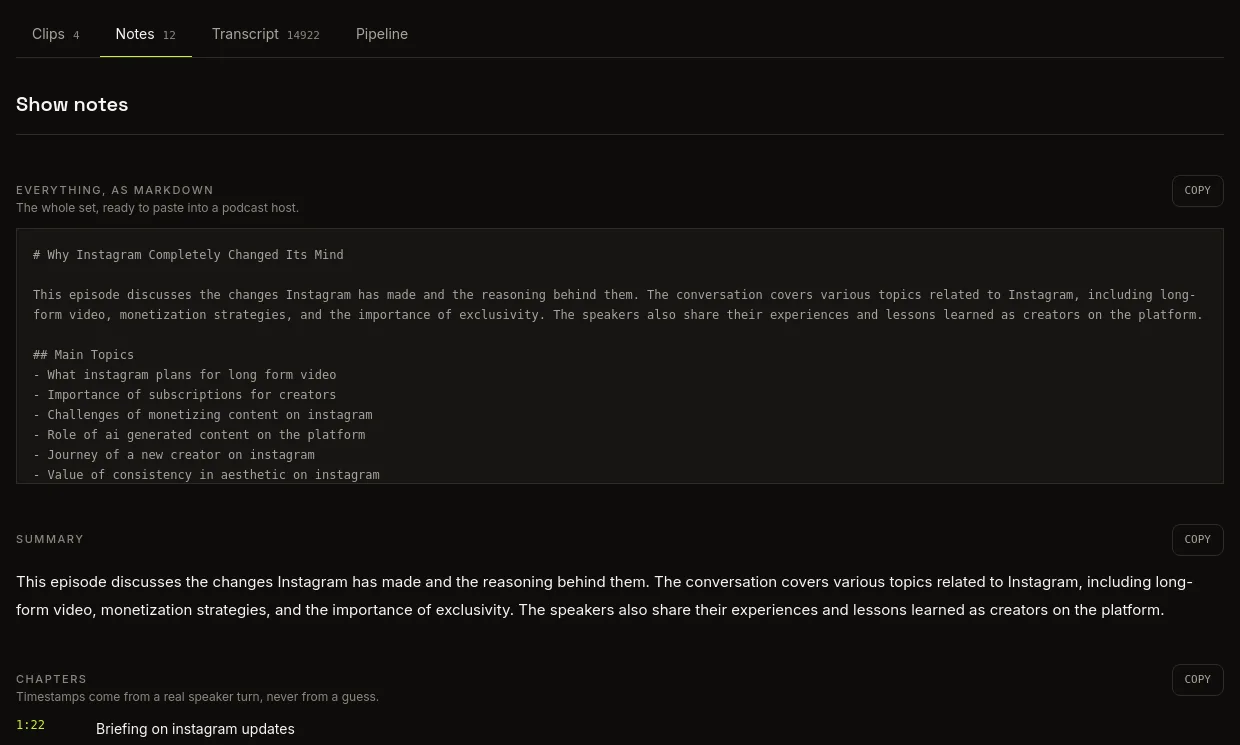
A summary written from the episode description repeats the description. CastKit writes the summary after reading the whole transcript, in the language the episode was recorded in, and puts the chapters, notable quotes and post drafts next to it, so you can publish one and pull from the rest.
How CastKit does it
Paste the episode
Transcribed
Read the summary
Copy
What this will not do
The summary is a draft from the transcript: it can miss context that was never said out loud, and a misheard name can carry into it. Read it before you publish it, as you would a colleague's draft.
Questions
- Is it written from the audio?
- Which language is it in?
- What else comes with it?
Try it on your own episode
Paste a link. The first episode runs the whole pipeline for nothing, needs no card, and exports every clip in 1080p with a small CastKit mark.